How to Set Up an Ergonomic Desk for Tall People
As an Amazon Associate I earn from qualifying purchases.
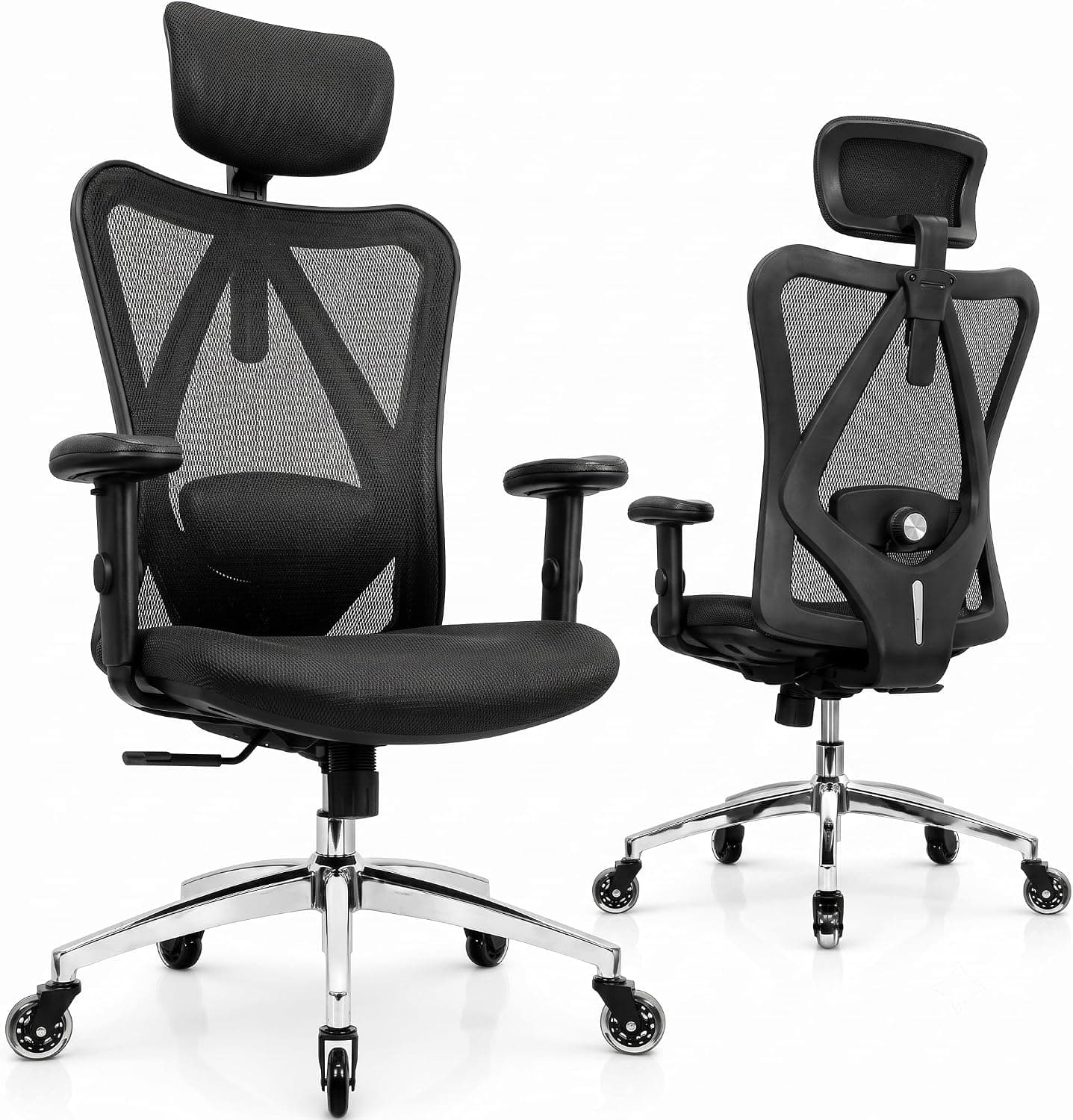
Standard desks are built for average height, which leaves tall people hunched, cramped, and sore by lunchtime. This guide walks through a full ergonomic setup, from desk height to monitor position, so your workspace finally fits your frame.
Start With the Right Desk Height
Most fixed desks sit around 29 inches, a height tuned for people near 5 foot 8. If you are 6 foot 2 or taller, that surface forces your shoulders down and your wrists up, which strains your neck and forearms over a long day. The fix is a taller work surface, ideally one you can dial in to the exact number your elbows want.
To find your target, sit up straight with your feet flat and let your elbows rest at roughly ninety degrees. Measure from the floor to the underside of your forearms, and that number is your ideal desk height. An adjustable standing desk with a wide range makes this easy, since you can set a precise seated height and a matching standing height for later.
Choose a Chair That Fits Your Legs and Back
A tall body needs a chair with a taller backrest, a deeper seat pan, and a gas cylinder that lifts high enough to match your new desk height. Cheap chairs often top out too low and leave your knees higher than your hips, which rolls your pelvis back and rounds your spine. Look for a seat depth that supports most of your thigh without cutting behind the knee.
Adjustable lumbar support matters more the taller you are, because the curve of your lower back sits higher than the chair designer assumed. Seek out a headrest that actually reaches your head and armrests that raise enough to cradle long arms. A chair built for tall users will list a supported height range, so check that your height falls inside it before buying.
Raise Your Monitor to Eye Level
Even with a perfect desk and chair, a low monitor pulls your gaze and your neck downward all day. The top of the screen should sit at or just below eye level, which for a tall person often means lifting the display four to eight inches above the desk. Looking down at a laptop or a short stand is one of the most common causes of tall-user neck pain.
A sturdy monitor riser or an arm with a long vertical range solves this cleanly. Risers also open up storage space underneath for a keyboard or clutter, and they let you tune the exact height rather than stacking books. Aim for an arm length that reaches your eyes when you sit back fully, not when you lean forward toward the screen.
Set Up Your Keyboard, Mouse, and Arm Support
With the desk raised to your elbows, your keyboard and mouse should sit at that same level so your wrists stay flat and neutral. If your shoulders creep up to reach the keys, the surface is still too high, and if your wrists bend upward, it is too low. A slim keyboard and a mouse sized for larger hands both reduce the strain that builds over hours.
Long arms need armrests that support the forearm without forcing the shoulders up or out. Set the armrests so your elbows rest lightly while your shoulders stay relaxed and down. Good chair arm adjustment is the quiet hero of a tall setup, since it takes load off your neck and upper back that you may not even notice until it is gone.
Build In Movement and a Standing Option
No posture is perfect for eight straight hours, and tall bodies especially benefit from switching between sitting and standing. Alternating positions keeps blood moving, eases lower-back pressure, and resets your shoulders. Set your desk to that pre-measured standing height and aim to change posture every thirty to sixty minutes rather than locking into one position all morning.
A tall drafting stool bridges the gap between sitting and standing, letting you perch at your raised desk without fully committing to either. Look for a stool with a high seat range and a footring so your long legs have somewhere to rest. Pair it with your standing desk and you have a flexible setup that keeps you comfortable through a full workday.