How Tall People Can Stop Laptop Neck Pain
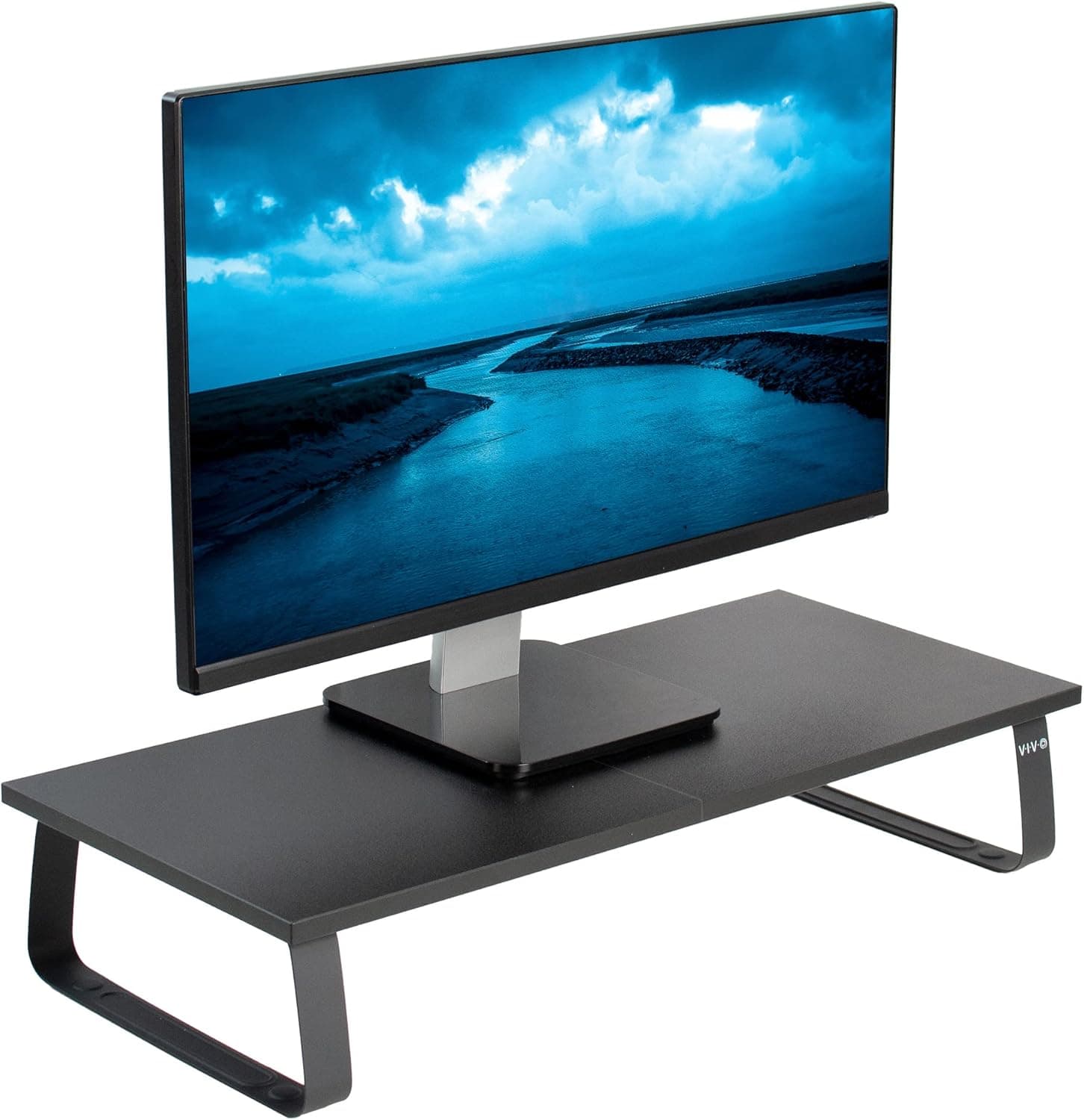
Laptops are built with the screen and keyboard joined together, which means you can never have both at the right height. For tall people the gap between eye level and the screen is even bigger, so working on a laptop at a table often means hours with the head bent forward. The fix is to separate the screen from the keyboard wherever you work.
Why tall people feel it more
The taller your torso, the higher your eyes sit above a table. Looking down at a laptop on a standard desk can mean bending your neck forward at a steep angle for hours, and the further forward your head moves, the more load your neck and upper back muscles carry.
Tall users also tend to push chairs back to fit their legs under the desk, which moves them further from the screen and makes them lean in. Over a workday this posture commonly leads to stiff necks, tension headaches and sore shoulders.
Raise the screen
A laptop stand lifts the screen so the top edge sits at or slightly below eye level. Adjustable stands give tall users more height than fixed stands, and some can reach standing heights when placed on a desk.
If you use a laptop daily at home, an external monitor on an arm or riser is even better, since it can go higher and larger than a laptop screen. Keep the screen about an arm's length away and tilted slightly back.
Add an external keyboard and mouse
Once the laptop is raised, typing on its built-in keyboard puts your wrists and shoulders in an awkward position. A compact wireless keyboard and mouse let you keep your elbows relaxed at about 90 degrees while the screen stays high.
Choose a full-size or tenkeyless keyboard at home for comfort, and a slim foldable keyboard for travel so you can use the same setup in hotels and co-working spaces.
Fix the chair and desk height
Set your chair so your feet rest flat and knees are near hip level, then adjust the desk or keyboard height to match your elbows. Tall users often need a higher desk than standard, or a standing desk with an extended height range.
If your chair has a seat slider, move the seat forward so you can sit back against the backrest while reaching the keyboard. Leaning forward off the backrest is a common cause of neck and back pain.
Working away from your desk
On sofas, beds and cafe tables, laptop neck pain gets worse. Limit long sessions in these places, and when travelling pack a folding laptop stand and small keyboard, which together weigh very little.
Take regular breaks to look up and away, roll your shoulders and gently stretch your neck. If pain persists or comes with numbness or tingling, consult a healthcare professional.