Setting Up an Ergonomic Desk When You Are Tall
Published How we research
Most office furniture is designed around an average-height user, which leaves tall people hunched over low desks, squinting down at monitors, and folding their legs under shallow work surfaces. The result is neck strain, back pain, and wrists bent at awkward angles. Building an ergonomic setup for a tall frame is entirely possible, but it requires ignoring the default heights that furniture makers assume and dialing in each element to your body.
Products from this article
The highest-scoring picks from the buying guides this article links to. Scores are our editorial assessment, not customer ratings.
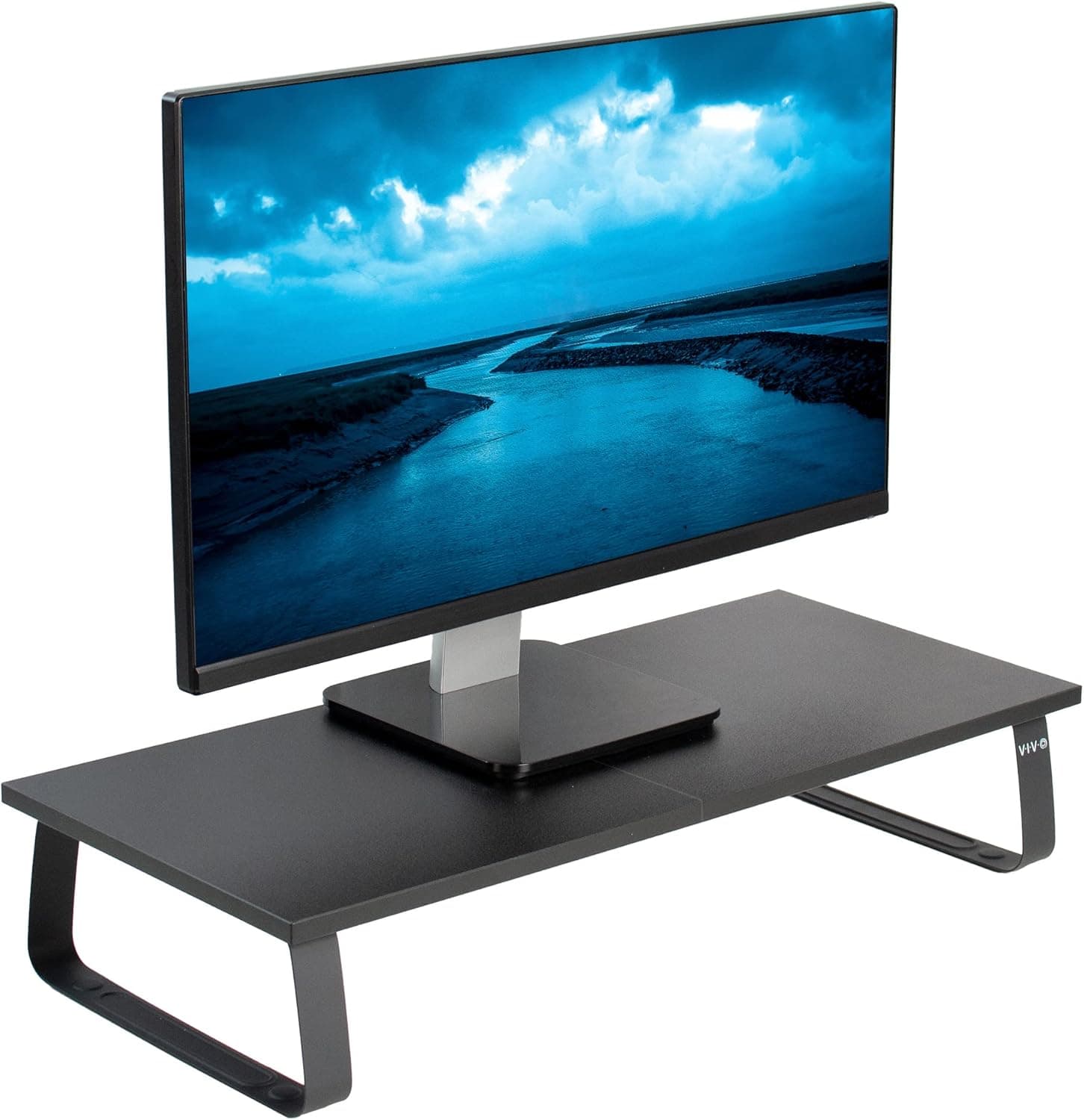
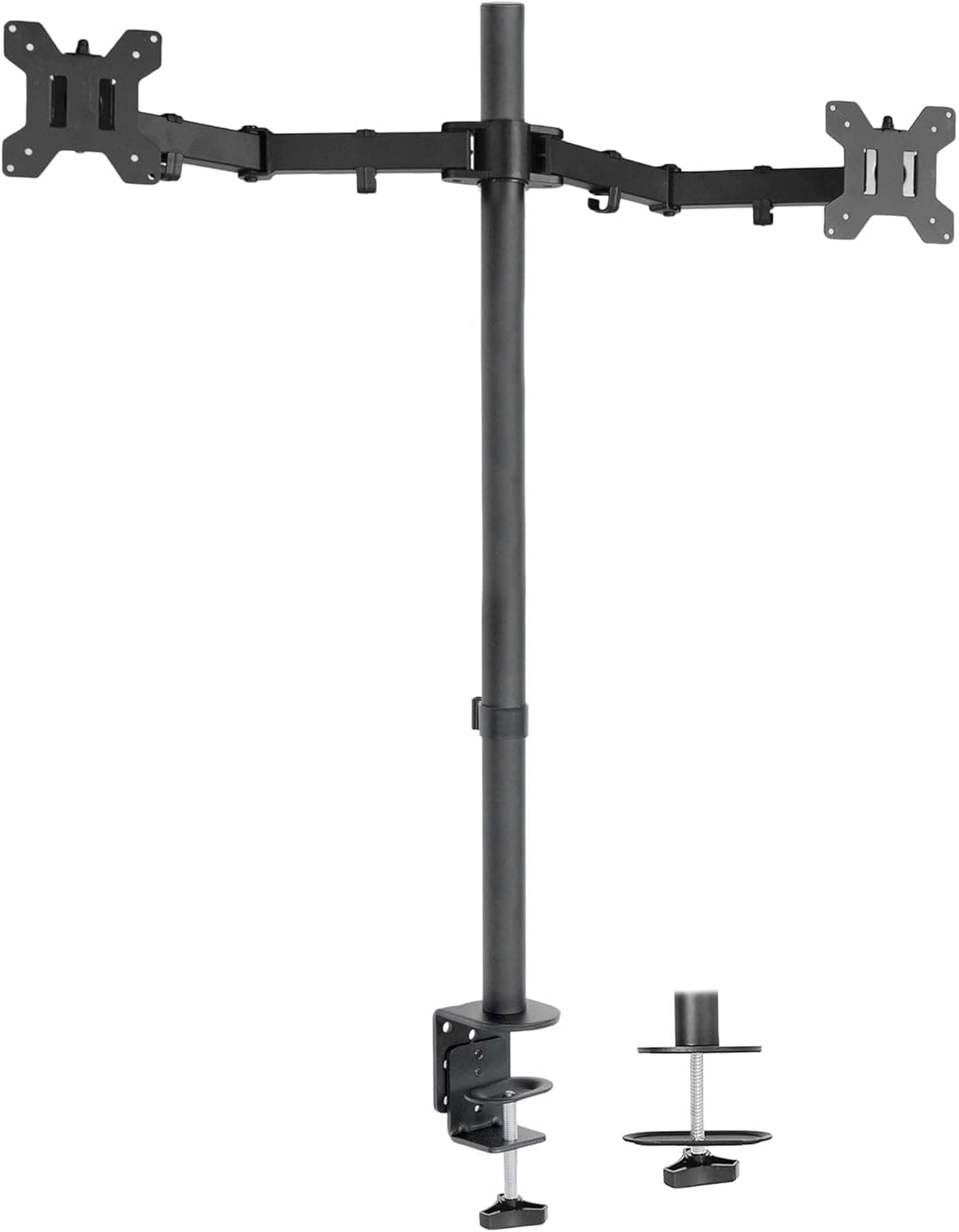
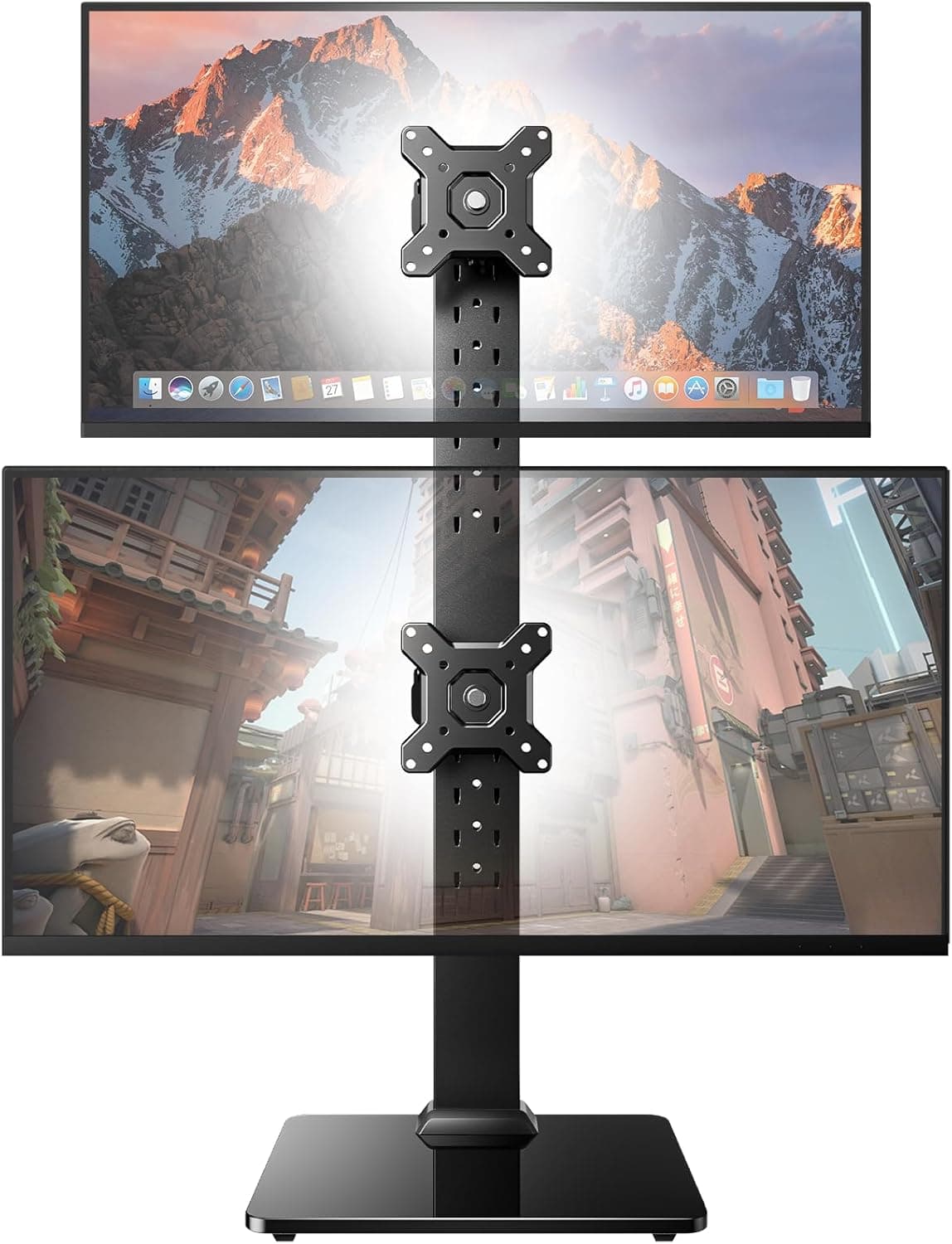
+ Extra tall 39 inch pole lets monitors sit high enough for standing tall users
From our guide: Best Tall Monitor Risers for Tall People
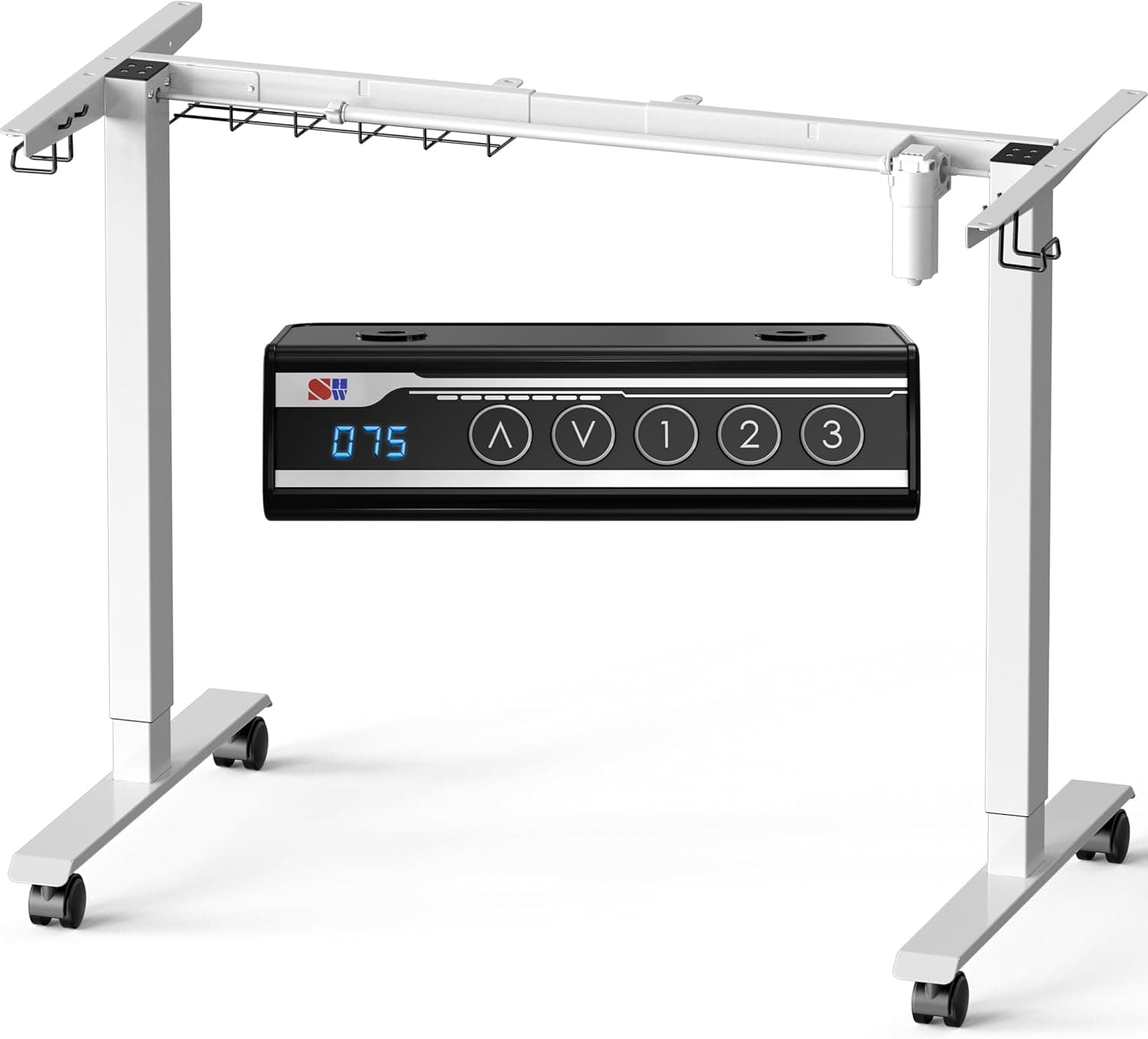
+ Dual motor frame lifts more smoothly and steadily
From our guide: Best Standing Desks for Tall People
+ 440LBS rating is the highest capacity among these gaming chairs
From our guide: Best Gaming Chairs for Tall People
+ Freestanding base needs no desk clamp or drilling
From our guide: Best Tall Monitor Risers for Tall People
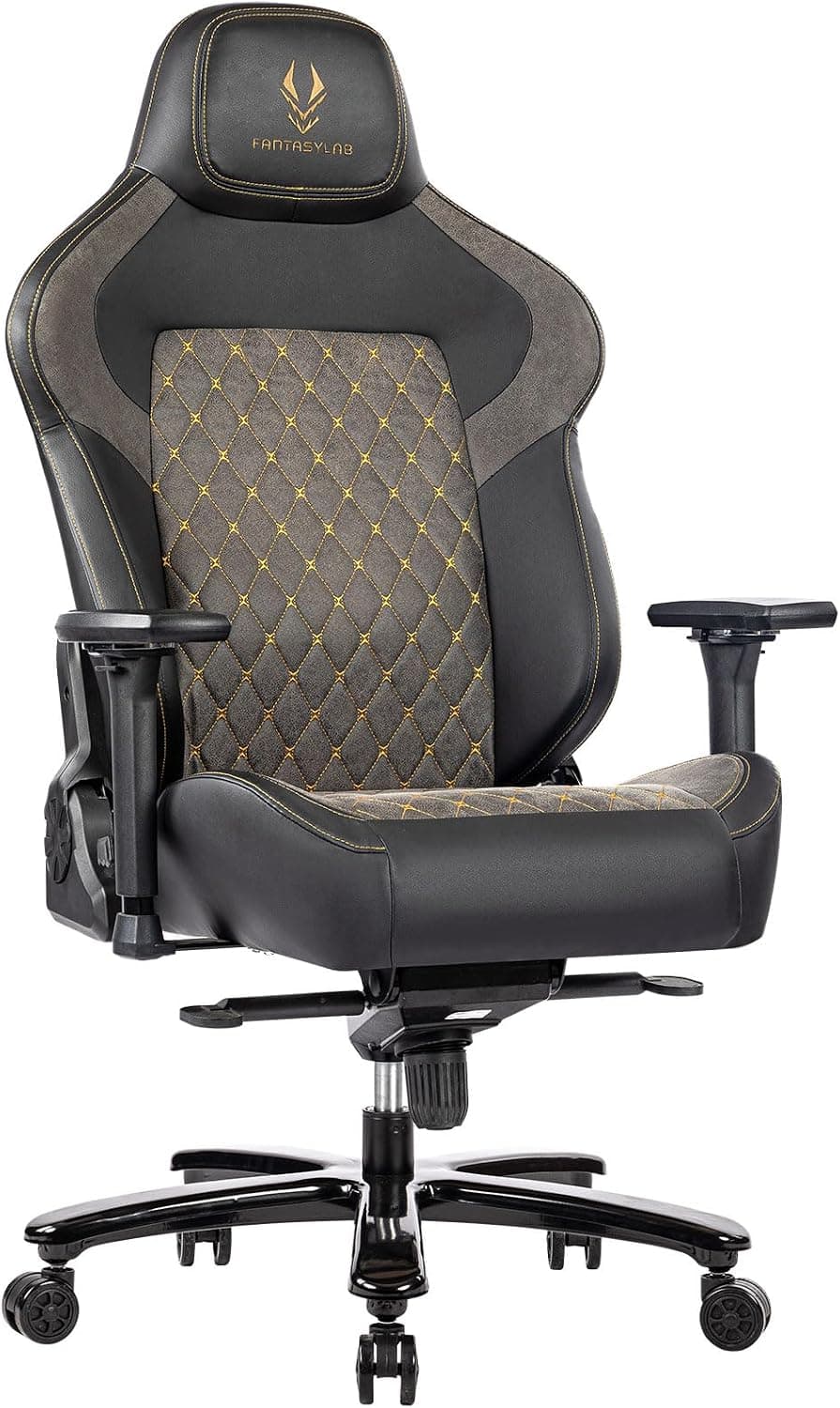
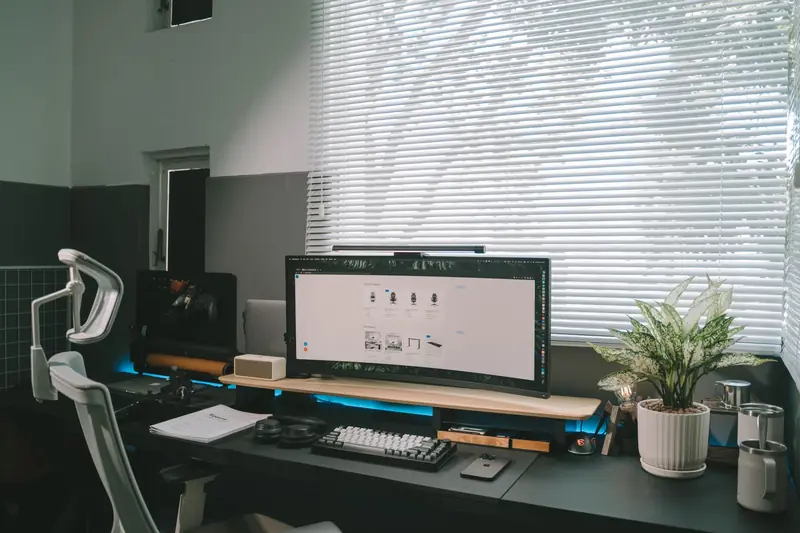
Begin with your chair, because it sets the reference point for everything else. Raise the seat until your thighs are roughly parallel to the floor and your feet rest flat, then check that there are two to three finger-widths of clearance behind your knees. Tall users often need a chair with a higher maximum seat height and a deeper seat pan, since a shallow seat leaves long thighs unsupported. Look for adjustable seat depth or a slide mechanism if your standard chair digs into the back of your knees.
Desk height is where most tall people suffer, because typical desks sit around 29 inches, which forces you to drop your shoulders and bend your wrists downward to type. Your elbows should rest at about a 90-degree angle with forearms parallel to the floor when your hands are on the keyboard. For many tall people that means a work surface closer to 30 to 34 inches. An adjustable-height or standing desk is the cleanest solution, since it lets you set the exact number rather than settling for a fixed default.
If you cannot replace the desk, raise the one you have. Sturdy desk risers, furniture leg extenders, or a set of bolt-on lifts can add the inches you need at a fraction of the cost of new furniture. Make sure any lift is rated for the weight and stable enough not to wobble when you lean on the surface. Even two or three added inches can move you out of the chronic-hunch zone and into a neutral posture.
Monitor position matters more for tall people because looking down at a low screen drags your whole neck forward. The top of the screen should sit at or slightly below eye level when you are seated upright, and the display should be about an arm's length away. Since tall users sit higher, standard monitor stands are often too low, so use a monitor arm or a stack of risers to lift the screen. For laptop users, a separate keyboard plus a laptop stand is essential, because a laptop cannot put the screen and keyboard at the right height at the same time.
Keyboard and mouse placement finishes the setup and protects your wrists. Keep them at the same level, close enough that your elbows stay near your sides rather than reaching forward. A keyboard tray can help if your corrected desk height is slightly too tall for comfortable typing, letting you separate the typing surface from the writing surface. Your wrists should stay neutral and straight, not bent up, down, or off to the sides.
Once everything is set, test the whole arrangement by working for a full day and noting where you feel strain. Adjust one variable at a time, since changing chair height shifts your relationship to the desk and screen. The goal is a stacked, neutral posture where your feet are flat, your forearms and thighs are level, your spine is upright, and your eyes look straight ahead. Getting there takes some fiddling, but for a tall body it is the difference between ending the day sore and ending it comfortable.
Popular right now
- Height to Inseam ChartArticle
- Car Seating Comfort for Tall DriversArticle
- What LT and XLT Mean: Tall Sizing ExplainedArticle
- Best Tall Men's ChinosBuying guide
- Best Tall Women's Coats With Extra Length and Sleeve ReachBuying guide
- Best Tall Women's Jumpsuits for Longer Torso and LegsBuying guide
Based on the last 28 days of search and visitor data.