Standing Desk Height for Tall Users
Published How we research
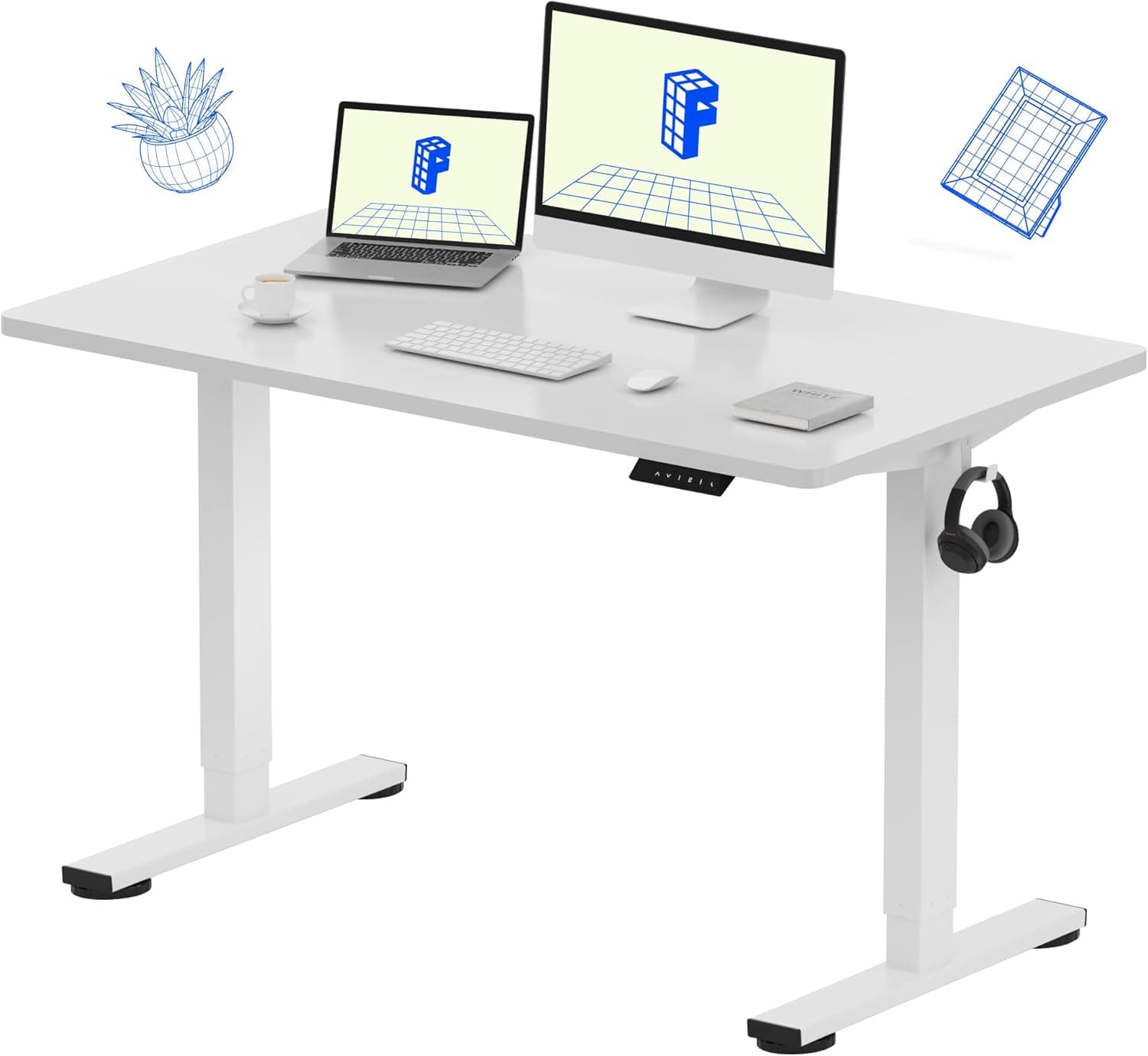
Standing desk height follows the elbow rule, not a fixed number: with shoulders relaxed and forearms parallel to the floor, elbows near 90 degrees. For very tall people that can mean 45 to 50 inches or higher, above what many desks advertise as their maximum, so check the finished surface height (not frame height) before buying. Raise the monitor to match with a wide-range arm, keep the keyboard on the desktop rather than a lower tray, and use an anti-fatigue mat since more body weight and longer limbs tire faster standing still. Standing desks promise better posture and less fatigue, but for tall people they come with a catch. Many models simply do not rise high enough, leaving you hunched over a surface that stops several inches below where your elbows want to be. Setting a standing desk correctly for a tall frame starts with knowing your target height and choosing a desk that can actually reach it.
Products from this article
The highest-scoring picks from the buying guides this article links to. Scores are our editorial assessment, not customer ratings.
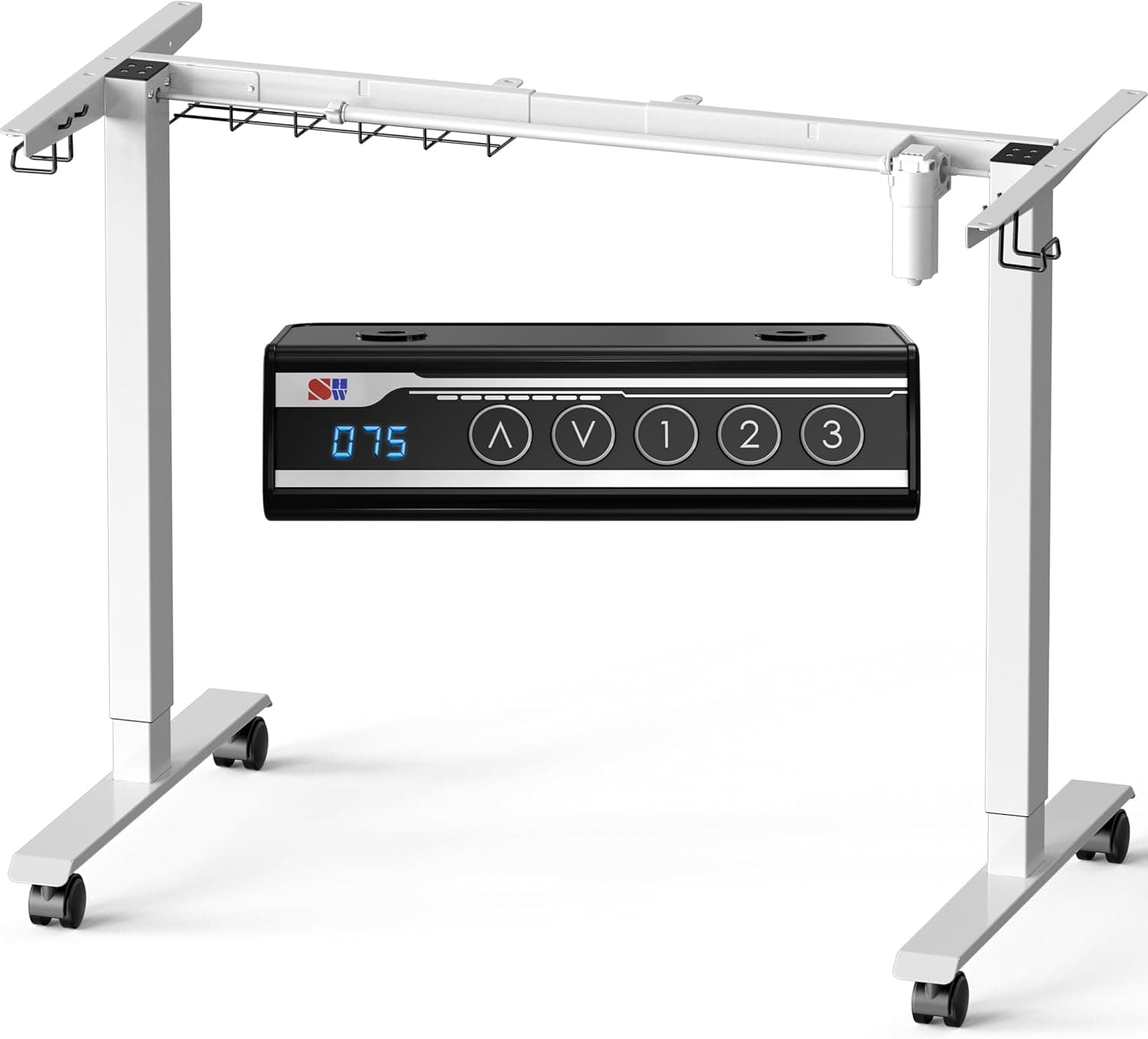
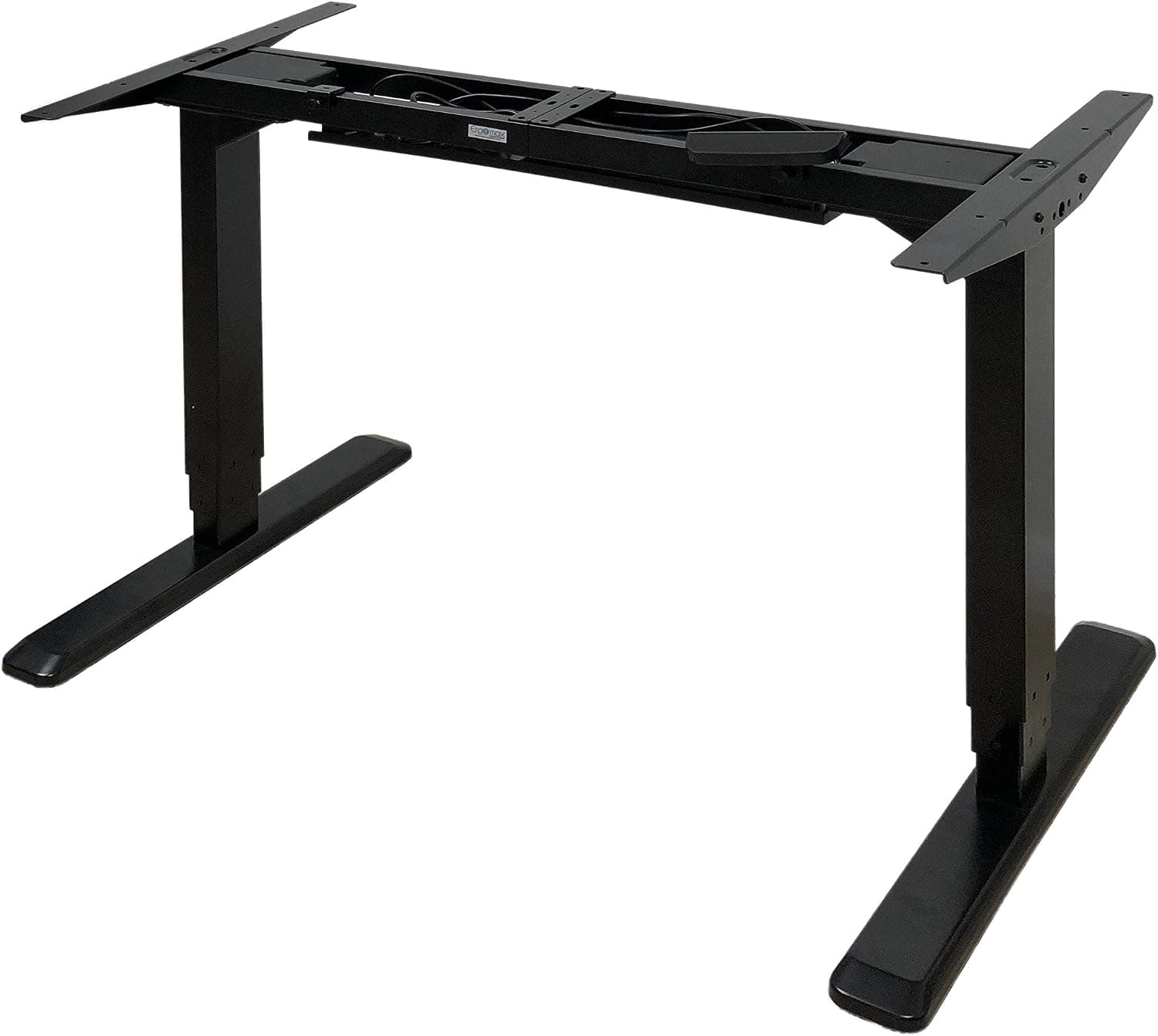
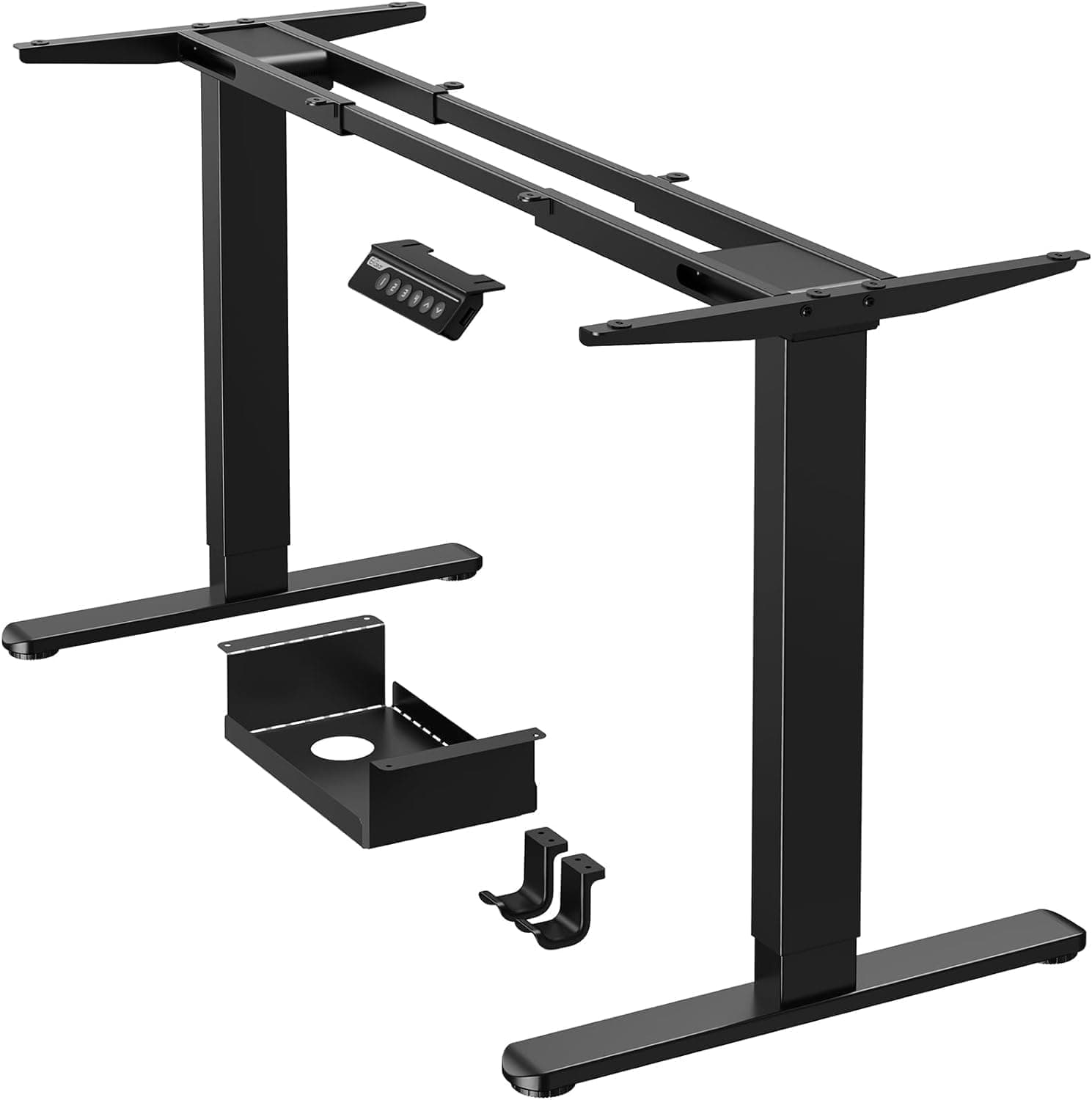
+ Dual motor frame lifts more smoothly and steadily
From our guide: Best Standing Desks for Tall People
+ 50 Inch max height suits very tall people at a standing desk
From our guide: Best Adjustable Standing Desks for Tall Users
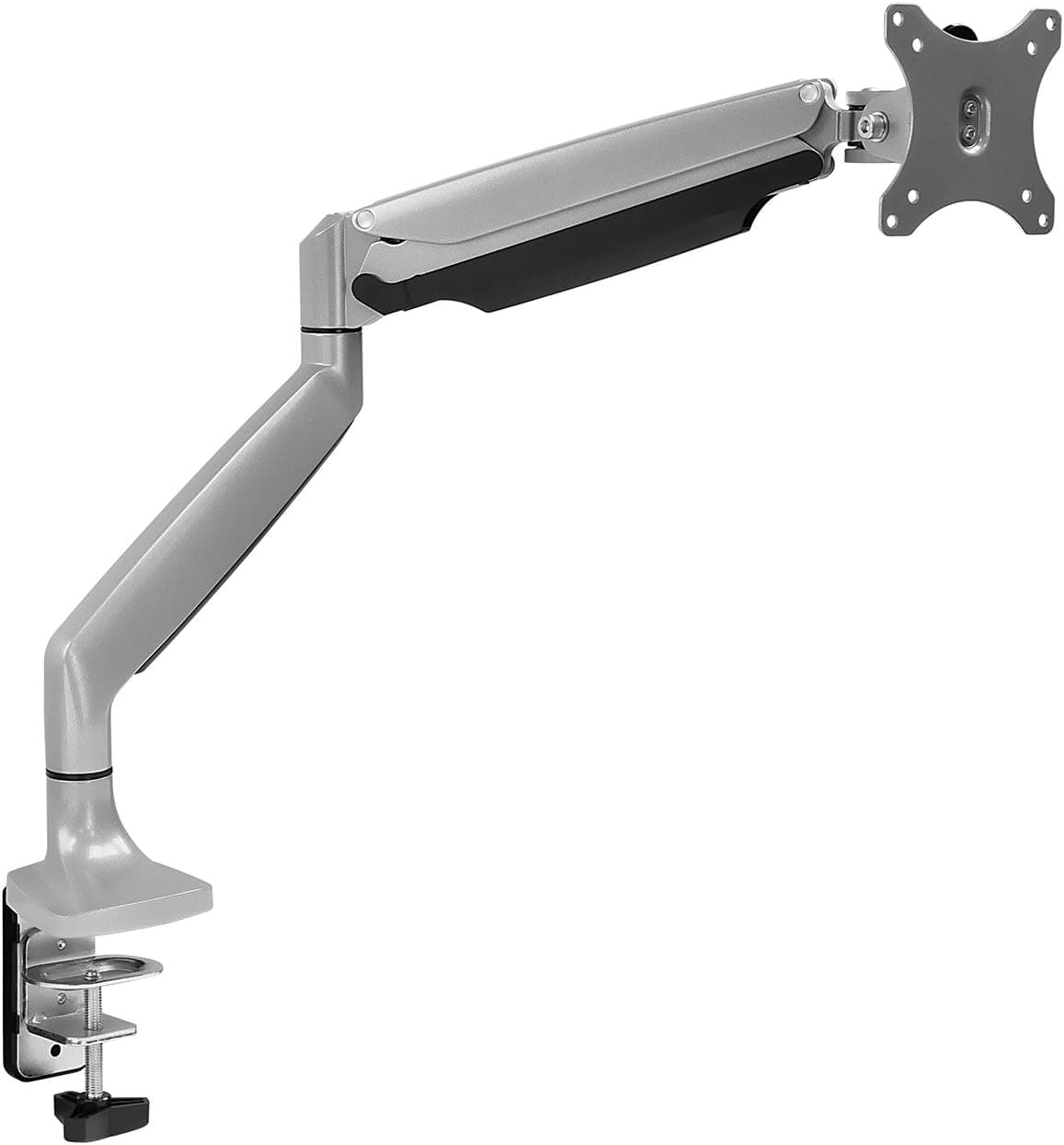
+ Gas spring allows smooth height changes with one hand
From our guide: Best Adjustable Monitor Arms
+ Dual motor lift is stronger and steadier than single motors
From our guide: Best Standing Desks for Tall People
The governing rule: elbow position, not a fixed number
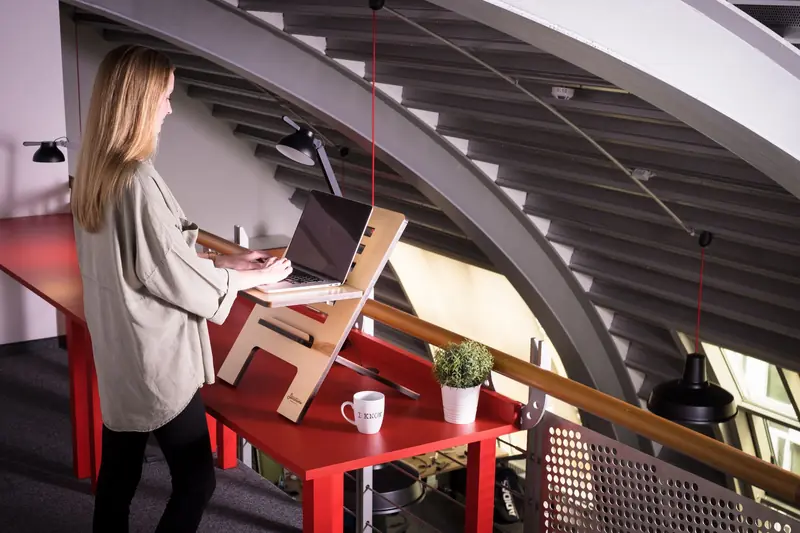
The governing rule for standing desk height is elbow position, not any fixed number. When you stand upright with your shoulders relaxed and your upper arms hanging naturally, your forearms should be roughly parallel to the floor as your hands rest on the keyboard, putting your elbows near a 90-degree angle. For very tall people that surface height can land around 45 to 50 inches or higher, well above what many desks advertise as their maximum. Measure from the floor to the underside of your bent elbow to find your personal number.
Scrutinize the desk's stated height range before buying
Before buying, scrutinize the desk's stated height range, because the maximum is where tall users get burned. A desk that tops out around 48 inches may leave a 6-foot-5 person still reaching down. Look for models specifically rated for tall users, often those reaching 50 inches or more at full extension, and confirm whether that figure includes the desktop thickness or measures to the frame. The number that matters is the finished surface height, not the frame height.
Desktop thickness and keyboard placement change your effective height
Desktop thickness and keyboard placement quietly change your effective height. A thick tabletop adds to the frame's maximum, which helps, while a keyboard tray mounted below the surface lowers your typing height, which can hurt if you are already at the ceiling of the desk's range. For tall users, keeping the keyboard on the desktop rather than a lower tray usually preserves the height you need, so plan your accessory choices around your reach.
Monitor height must rise along with the desk
Monitor height must rise along with the desk, or standing simply trades one bad posture for another. The top of your screen should sit at or just below eye level when you stand tall, which for a high seated eye line means lifting the monitor considerably. A monitor arm with a wide vertical range is invaluable here, since fixed stands rarely go high enough for a tall standing user. Set the screen about an arm's length away and straight ahead so your neck stays neutral.
Anti-fatigue matters more when you are tall
Anti-fatigue matters more when you are tall, because more body weight and longer limbs mean standing still gets tiring faster. Use an anti-fatigue mat to cushion your feet and encourage small movements, and shift your weight or step in place periodically. Supportive shoes or bare feet on a good mat beat hard floors, and the point is to keep moving gently rather than locking into one rigid stance.
Treat sit and stand as a cycle
Finally, treat sit and stand as a cycle rather than choosing one forever. Set both your seated and standing heights precisely using the elbow rule, save them to the desk's memory presets if it has them, and alternate through the day. The best setup for a tall person is a desk with enough range to nail both positions and a monitor arm that follows you up and down. Get those two things right and a standing desk delivers on its promise instead of adding a fresh set of aches.
Frequently asked questions
How do I find the right standing desk height if I'm tall? Stand upright with shoulders relaxed and measure from the floor to the underside of your bent elbow, aiming for forearms roughly parallel to the floor at the keyboard, which can mean 45 to 50 inches or more for very tall people.
What standing desk height range do tall people need? Look for desks rated for tall users, often reaching 50 inches or more at full extension, and confirm whether that figure is the finished desktop surface or just the frame.
Why does my monitor arm matter for a tall standing desk setup? The top of your screen should sit at or just below eye level standing tall, which for a high eye line means lifting the monitor considerably, so a wide vertical-range arm is essential since fixed stands rarely go high enough.
Should tall people use a keyboard tray on a standing desk? Usually no. A keyboard tray mounted below the surface lowers your typing height further, which can hurt if you are already near the ceiling of the desk's range, so keeping the keyboard on the desktop preserves height.
Quick answers
How tall should a standing desk be for a tall person?
Set the desk so your elbows sit at about 90 degrees with shoulders relaxed. Tall users often need a desk that reaches 48 to 50 inches, so check the maximum height.
Popular right now
- Height to Inseam ChartArticle
- Car Seating Comfort for Tall DriversArticle
- What LT and XLT Mean: Tall Sizing ExplainedArticle
- Best Tall Men's ChinosBuying guide
- Best Tall Women's Coats With Extra Length and Sleeve ReachBuying guide
- Best Tall Women's Jumpsuits for Longer Torso and LegsBuying guide
Based on the last 28 days of search and visitor data.